
Your API key is in your JavaScript bundle
Anything the browser can read, an attacker can read. How to find what you have already shipped, and what to do in the right order once you have.
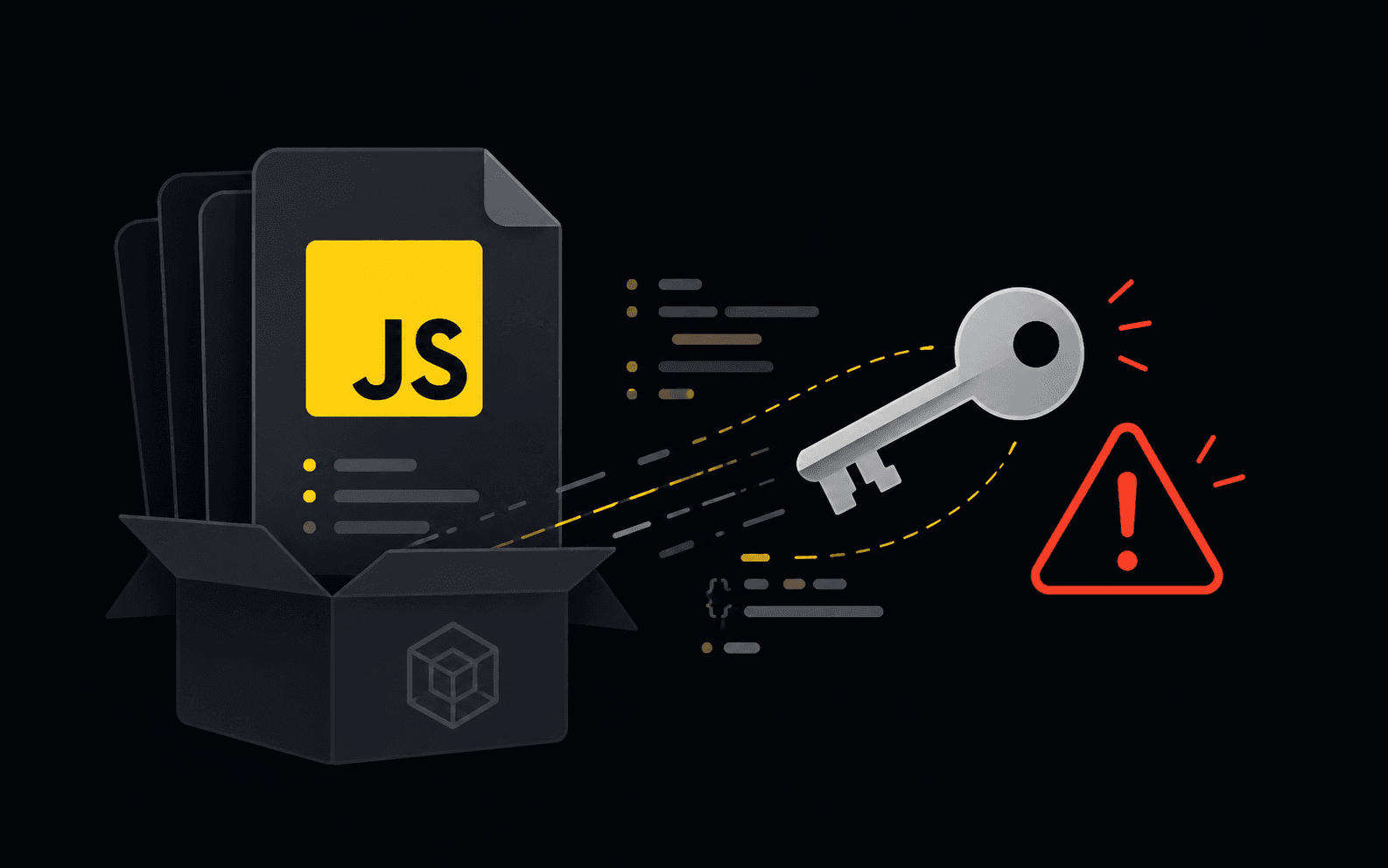

Finding secrets in a JavaScript bundle takes about thirty seconds, which is why
it is one of the first things anyone looks at. Your bundle is a text file served
to whoever asks for it. There is no permission on it, no rate limit worth
mentioning, and no log entry that distinguishes a customer from someone reading
it with curl.
This is not an exotic attack. In the CVE-2025-48757 disclosures around apps built with AI builders, the exposed material included Google Maps, Gemini, eBay and Stripe keys, alongside customer data. The keys were not stolen. They were published, by the build.
Why it happens on purpose
Every modern build tool has a prefix that means "inline this into the client".
NEXT_PUBLIC_ in Next.js, VITE_ in Vite, PUBLIC_ in Astro and SvelteKit,
REACT_APP_ in Create React App. The prefix exists so the value can be used in
the browser, and inlining it is the documented behaviour.
So the failure is almost never a leak. It is a decision, made in a hurry, to add a prefix so that something would work in the browser, without registering that the prefix is what makes it public. Next.js goes as far as replacing unprefixed variables with an empty string on the client, precisely so this cannot happen by accident.
Find out what you shipped
Fetch what your users fetch and read it.
# Grab every script the page loads, then look for the usual shapes.
curl -s https://your-app.example \
  | grep -oE 'src="[^"]+\.js"' | cut -d'"' -f2 \
  | while read -r src; do curl -s "https://your-app.example${src}"; done \
  | grep -ioE '(sk|pk|rk)_(live|test)_[A-Za-z0-9]{8,}|AIza[0-9A-Za-z_-]{20,}|ghp_[A-Za-z0-9]{20,}|eyJ[A-Za-z0-9_-]{20,}'
Those patterns cover Stripe, Google, GitHub tokens and anything JWT-shaped. For a real audit use a scanner with hundreds of detectors and verification built in, such as TruffleHog, which can check whether a candidate credential is actually live.
Two more places to look, both easy to forget:
- Source maps. If
.mapfiles are served in production, your original source, comments included, is one request away. - Network responses. A key absent from the bundle but returned by
/api/configis just as public, and greping the bundle will not find it.
Then fix it in this order
The order matters more than the individual steps.
Rotate first. A key that shipped is compromised from the moment it shipped, regardless of whether you can find evidence of misuse. Rotating is the only step that stops the bleeding, and everything else can happen afterwards.
Then work out what it could reach. Most keys are broader than the feature that needed them. This is the question your incident write-up needs answered: not whether it leaked, but what it was allowed to do.
Then check whether it was used. Provider dashboards keep request logs. Unusual volume, unfamiliar regions or endpoints your app never calls are the signal.
Then move the call server-side. If the browser needed the key, the browser needed the capability, not the credential. A thin route handler that holds the key, checks the caller and forwards the request gives you authorisation, rate limiting and an audit trail in the same change.
Then scope what remains. Some keys genuinely belong in the client: a publishable Stripe key, a Supabase anon key, a Maps key. Those are safe only because something else constrains them, and that something needs to be real. Restrict the Maps key by HTTP referrer. Make sure the anon key is backed by Row Level Security that actually works.
Stop shipping the next one
Add a secret scanner to CI so the check runs on every commit rather than on whichever afternoon you remember. Turn off production source maps unless you are deliberately using them. And when a value has to reach the browser, decide that on purpose rather than by adding a prefix at 2am.
The broader sweep is in the security checklist nobody runs on a vibecoded app, and if you are on Next.js specifically, the checklist that fits on one page covers which of its defaults publish things for you.
GhostRecon reads your live bundle the way an attacker would, as one of the checks it runs against a running app, and verifies each finding before reporting it.
New here?
GhostRecon is a free AI pentester. It attacks your live app from the outside in, with no code and no credentials, the same way a real adversary would, then verifies every finding before it reports it.
Download for Mac