
The security checklist nobody runs on a vibecoded app
Seven checks that catch most of what gets skipped when an app is built in a weekend, in the order an attacker would try them.
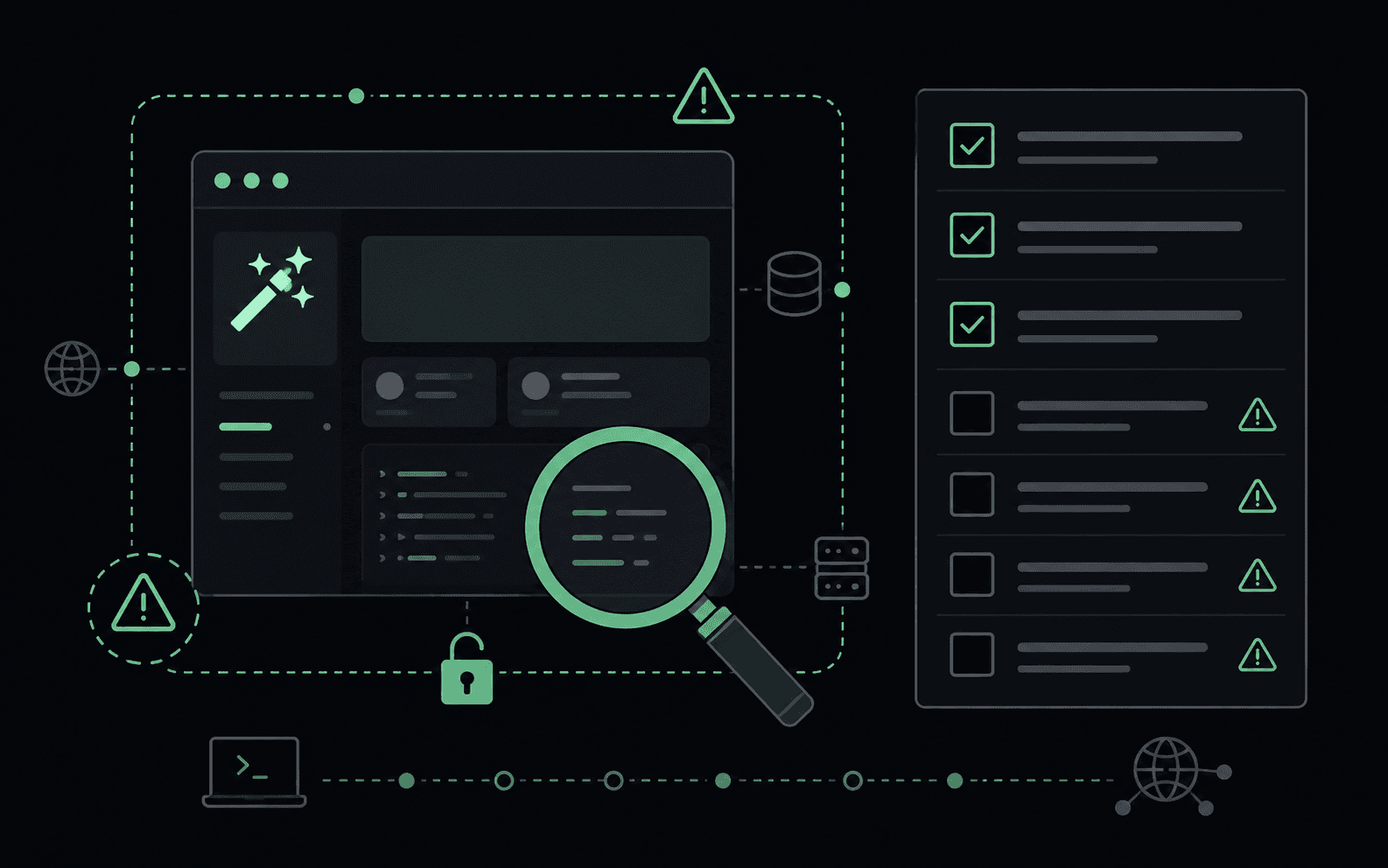

Vibecoded app security has a specific shape, and it is not the shape most checklists assume. When an AI builder wires your frontend straight to a hosted database, the usual advice about hardening your server does not apply, because there is no server in the middle. The browser is the client, and the database is the boundary. If that boundary is not configured, there is nothing else standing in the way.
This is measurable rather than theoretical. CVE-2025-48757, published in May 2025, covers missing Row Level Security in apps built with the Lovable builder. Researchers reported 170 of 1,645 scanned apps exposing 303 Supabase endpoints, leaking names, addresses, payment status and third-party API keys. The apps worked perfectly. They just answered questions from anyone who asked.
The checks below are ordered the way an attacker would actually try them: cheapest and most likely first. None of them need special tooling.
1. Call every endpoint with no session at all
Open the network tab, find a request that returns data, then replay it with
every cookie and auth header removed. You are not looking for an error. You are
looking for a 200.
# The same request your app makes, minus every credential.
curl -s -i 'https://your-app.example/rest/v1/projects?select=*' \
  -H 'apikey: <your public anon key>'
If that returns rows, the table has no policy protecting it. Note that the public anon key is meant to be public, so its presence in the request proves nothing about authorisation. The database decides, and by default it decides yes.
2. Call every endpoint with the wrong session
The subtler and more common failure. Sign up two accounts, log in as the first, then ask for the second account's records by id. If you get them, you have an Insecure Direct Object Reference, and no amount of frontend routing hides it.
This is worth doing per resource, not once. Ownership is usually enforced on the route you thought about and missed on the one you did not.
3. Read your own JavaScript bundle
Everything the browser downloads, an attacker downloads too. Build tools inline any variable with a public prefix, and that inlining is the intended behaviour, not a bug.
curl -s https://your-app.example/assets/index.js \
  | grep -ioE '(sk|pk|rk)_(live|test)_[a-z0-9]{8,}|AIza[0-9A-Za-z_-]{20,}'
The Lovable exposure included Google Maps, Gemini and Stripe keys found exactly this way. There is more detail in your API key is in your JavaScript bundle.
4. List your storage buckets anonymously
Object storage has its own permissions, separate from your tables, and a public bucket is a directory listing of everything anyone ever uploaded. Ask for the bucket root without credentials and see what comes back.
5. Exercise the auth flow out of order
Password reset, email change and invite flows are state machines, and they are usually tested only along the happy path. Try the second step without the first. Reuse a token twice. Change the email address in the request body but not the one in the token. These are the steps where account takeover lives.
6. Check what costs money
Anything that sends mail, generates an image or calls a paid model is a bill someone else can run up. Send the same request twenty times in a row and see whether anything stops you.
POST /api/generate HTTP/1.1
Host: your-app.example
Content-Type: application/json

{"prompt":"anything"}
A 429 means a limit exists. Twenty 200 responses mean your budget is the
limit.
7. Read your response headers for what is missing
Last, because it is the least likely to be the thing that gets you, but it is
also the fastest. You are looking for absent headers rather than wrong ones:
Content-Security-Policy, Strict-Transport-Security,
X-Content-Type-Options.
Where this leaves you
Checks 1 and 2 find the overwhelming majority of real problems in an app built this way, and both are free. If you only ever do two things from this list, do those, per table, per resource.
Then go deeper on the platform you actually used: four Supabase RLS mistakes that expose every row covers the database side, and a Next.js security checklist that fits on one page covers the framework side. The OWASP Web Security Testing Guide is the long-form version of this methodology if you want the full map.
GhostRecon runs this list against your live app from the outside, with no code and no credentials, and verifies each finding before reporting it. That is the whole product, and it is free.
New here?
GhostRecon is a free AI pentester. It attacks your live app from the outside in, with no code and no credentials, the same way a real adversary would, then verifies every finding before it reports it.
Download for Mac