
Four Supabase RLS mistakes that expose every row
Row Level Security is opt-in per table, and the first policies people write usually allow more than they appear to. Four failures, with the fix for each.
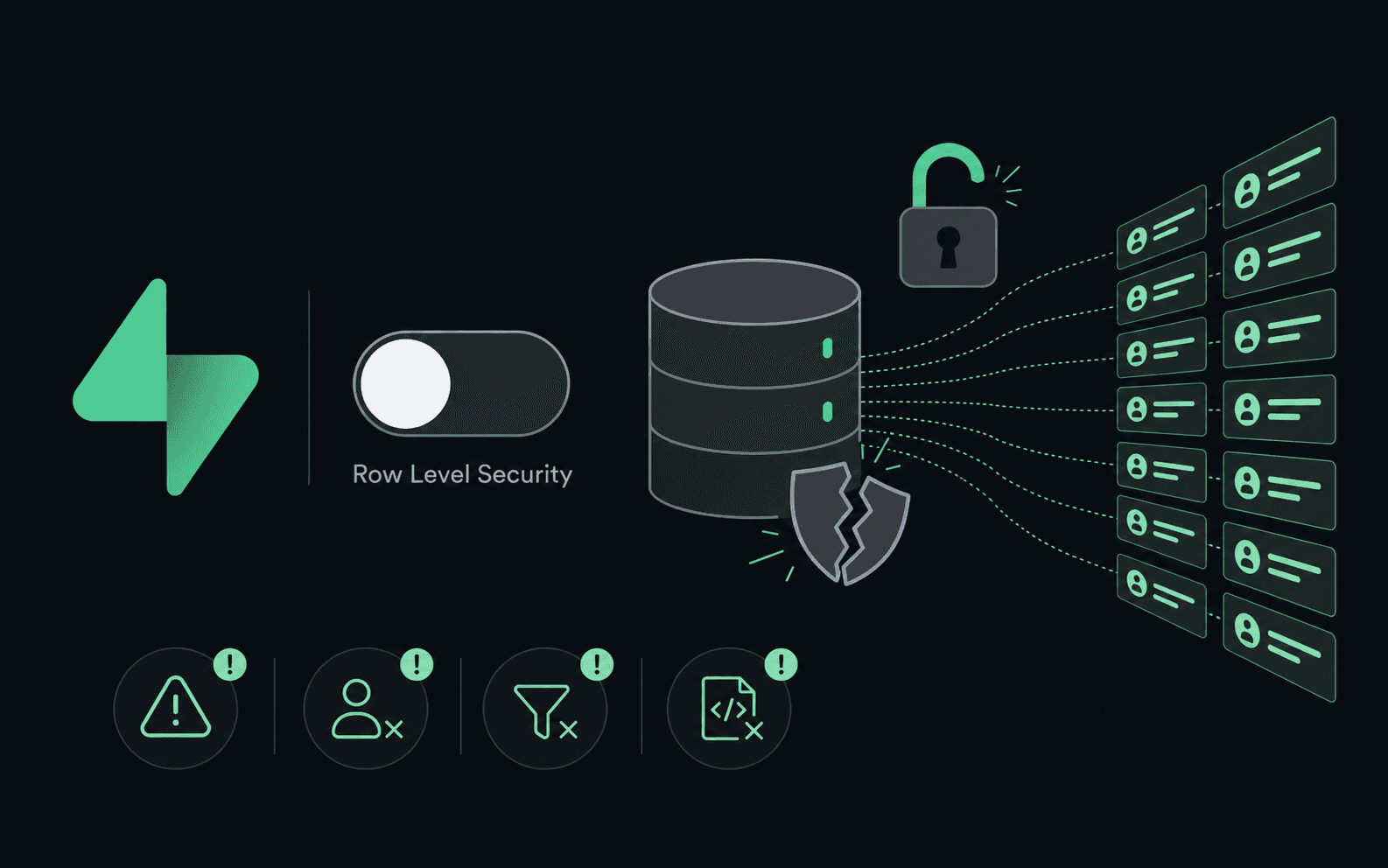

Supabase RLS mistakes are the single most common way an app built this decade leaks its whole database. The reason is architectural rather than careless: your browser talks to Postgres directly using a public key, so Row Level Security is not one layer of defence among several. It is the only one.
CVE-2025-48757 is what that looks like at scale. Researchers scanning apps built with the Lovable builder reported 170 of 1,645 exposing 303 endpoints, because RLS was never switched on. Below are the four failures worth checking for by hand, in the order they bite.
1. RLS is opt-in, and per table
A table created with SQL has no policies and no enforcement. Combined with the anon key in the browser, that is a public table. The Supabase dashboard enables RLS for tables you create through it, which means the gap tends to appear exactly where you were moving fastest: a migration, a script, an AI-generated schema.
Enabling RLS with no policy is the safe failure. It denies everything until you say otherwise.
alter table projects enable row level security;

create policy "owners can read their projects"
  on projects for select
  using ((select auth.uid()) = owner_id);
The (select auth.uid()) wrapper is worth copying. It lets Postgres evaluate
the call once per statement instead of once per row, which matters as soon as
the table is real.
Verify from the client, never the SQL editor. The editor runs as postgres and
bypasses RLS entirely, so it will happily tell you everything is fine.
2. using is not with check
These two clauses answer different questions, and a policy with only one of them is a policy with a hole.
usingfilters the rows a statement is allowed to see.with checkconstrains the rows a statement is allowed to write.
An insert or update policy without with check lets a caller write a row
they will never be able to read back, including one owned by somebody else.
Write-only IDOR is easy to miss precisely because the attacker's own reads look
correct afterwards.
create policy "owners can update their projects"
  on projects for update
  using ((select auth.uid()) = owner_id)          -- which rows I may target
  with check ((select auth.uid()) = owner_id);    -- what I may leave behind
3. Views bypass the policies on their own tables
This is the one that surprises people who did everything else right. A view
created by the postgres role is a SECURITY DEFINER view: it executes with the
owner's rights, so RLS on the underlying tables is silently skipped. Your table
is locked down, your view over it is not, and the view is the thing your API
exposes.
On Postgres 15 and later, make the view respect its callers instead:
alter view project_summary set (security_invoker = on);
On older versions, revoke access from the anon and authenticated roles or
move the view into a schema that is not exposed. The
Supabase RLS documentation
covers both paths.
4. The service role key ignores all of it
By design. service_role exists to bypass RLS for administrative work on a
server you control, which makes it the single most dangerous string in your
project. It belongs in a server environment variable and nowhere else. Not in a
public-prefixed variable, not in an edge function that echoes its config, not in
a client-side fallback added while debugging.
If you find it in anything the browser downloads, treat it as compromised and rotate it before you finish reading, because every policy above becomes decorative the moment it leaks.
How to actually confirm this
Policies are easy to read as correct and hard to prove correct. The test that matters takes two accounts: log in as the first, then request the second one's rows by id, per table. That single exercise catches items 1, 2 and 3 in one pass, and it is the check in the security checklist nobody runs on a vibecoded app that finds the most.
While you are there, check what shipped to the browser alongside your keys, in your API key is in your JavaScript bundle, and if your frontend is Next.js, the framework half of the checklist covers the defaults that publish things for you.
GhostRecon does the two-account comparison across every table and endpoint it can reach, then verifies each result before it reports it. Free, and it runs on your machine.
New here?
GhostRecon is a free AI pentester. It attacks your live app from the outside in, with no code and no credentials, the same way a real adversary would, then verifies every finding before it reports it.
Download for Mac